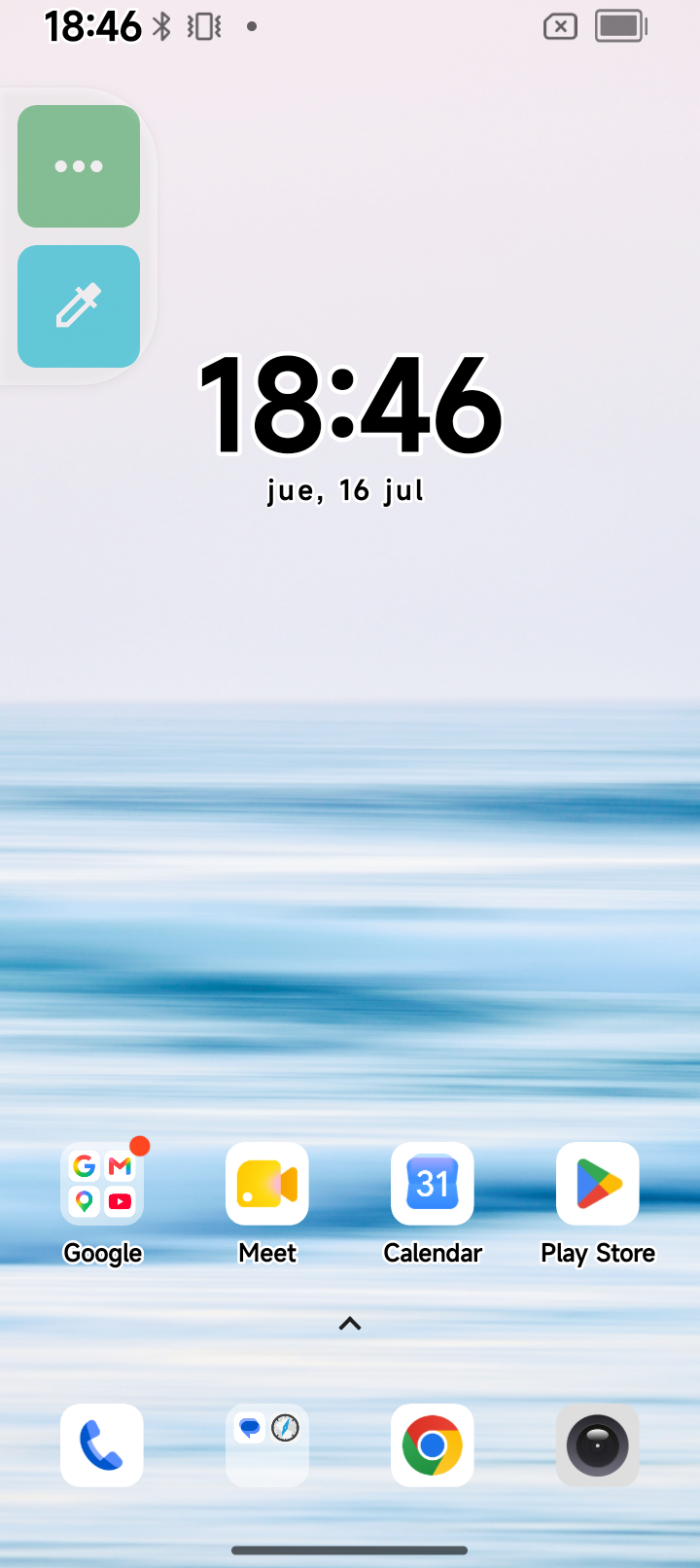
"It's broken. Now everything shows in black and white." That was the entire bug report, delivered secondhand, about a phone I had never seen.
The device is a Blackview BV6200 Plus, a rugged Android handset. Its owner needed the data off it, and had been told the screen was damaged. My own contribution to the investigation took about two minutes and required no expertise whatsoever. I want to describe those two minutes precisely, because they are the whole point of this post.
What I actually did
I opened Settings, went to "About phone", and tapped the build number seven times, until Android announced that I was now a developer. This is a real feature and has been for fifteen years. Then I went into the Developer options menu that had just appeared and switched on USB debugging. Then I plugged the phone into my laptop with a cable and tapped "Allow" on the dialog asking whether I trusted this computer's RSA fingerprint.
That is all of it. Two settings and a cable. No root, no unlocked bootloader, no custom recovery, nothing that voids a warranty or erases anything.
Then I typed the prompt:
Check the phone connected over USB, a BV6200 Plus. Two things:

- I need to get the data off it. Prepare a report on how
  much data it holds.
- I have been told it "broke", that images now show in
  black and white. I would say it is a configuration
  thing. Investigate it. Do not touch any of the
  configuration, just prepare a document.
There is a hypothesis buried in there: "I would say it is a configuration thing". It turned out to be right. But a hypothesis is not a diagnosis, and the useful part of that prompt is the last line, not the guess.
The first thing that came back was a measurement
The assistant did not start with the settings. It pulled the six most recent photographs off the camera and measured them: for every pixel, the gap between its strongest and its weakest colour channel, averaged across the whole image. On that scale, a true black-and-white image scores zero.
Five of the six scored between 19 and 31. The sixth scored 1.99, and it was a night shot — a photograph of a dark room, which had almost no colour in it to begin with.
That one measurement moved the entire problem. The camera was recording colour. The files on disk had colour. Whatever was wrong was happening somewhere between the file and the eye, which meant no data was at risk and nothing needed recovering. Everything after that was a hunt for a switch.
The switch, and the assumption that nearly hid it
It found two switches, both on at the same time. Android has a colour correction filter for colour-blind users and, separately, a colour inversion filter. Both were enabled. Stacked on top of each other, they produce a washed-out, wrong-looking image that a person would quite reasonably describe as black and white.
The correction filter was set to mode 13. This is where it gets interesting. In stock Android, the value for grayscale is 0, and 11, 12 and 13 are the three kinds of colour-blindness correction. So mode 13 is not grayscale. But this is a Blackview, running an operating system its manufacturer modified, and manufacturers renumber things.
So it did not assume. It went into the phone's own Settings app, pulled the resource table out of the APK, and read the manufacturer's own mapping off the device:
daltonizer_mode_keys   = [deuteranomaly, protanomaly, tritanomaly, grayscale]
daltonizer_type_values = [12,            11,          13,          0       ]
Mode 13 is tritanomaly, the blue-yellow correction. Not grayscale. The phone had never been in a black-and-white mode at all. It was correcting a colour blindness nobody has, then inverting the result, and the combination landed close enough to grey that everybody stopped looking there.
That step — reading the actual device instead of the documentation — is worth more than it appears. The standard Android answer was available, quotable, and would have sounded authoritative. It simply had not been verified on this phone.
Why it happened at all
The colour correction filter was bound to two one-tap shortcuts: the floating accessibility button that sits on the screen, and a tile in the quick settings panel you pull down from the top. Somebody tapped one of them. That is the whole incident.
A phone that "broke" was a phone that had been touched.
The other half: what is actually on the thing
While it was in there, it inventoried the storage, which was the other half of the request. 112 GB of space, 45.5 GB in use, no SD card. But of those 45.5 GB, the data that actually belongs to a human being — photos, videos, recordings, WhatsApp media — comes to about 8 GB. The rest is applications and their leftovers. Facebook alone accounts for 6.2 GB, which is more than every photo and video the owner has ever taken. Another 8.5 GB is app cache, regenerable junk that rebuilds itself.
It also flagged two things I would otherwise have discovered the hard way. WhatsApp's chat history is encrypted on disk, so copying the files across recovers nothing readable — that one has to go through the backup inside the app. And the phone carries a work profile whose storage is invisible to a cable connected to the main profile, so the inventory is honest only for one of the two users living on the device.
So: can AI fix my phone?
No. And the question is the trap. Nothing was fixed, because nothing was broken. Two settings were switched off, which the owner could have done in fifteen seconds — if anyone had known which two.
Knowing which two is the actual work, and it is the part these tools are unreasonably good at. A modern phone exposes hundreds of settings. A human debugging this checks the three they have heard of — night mode, battery saver, bedtime grayscale — finds them all off, and concludes the screen is dying. The assistant checked all of them, ruled out nine candidates by name with the evidence for each, and then went and read the manufacturer's own table rather than trusting what it already knew.
One last honest note, because it would have been easy to skip. Once the filters were off, we took a screenshot to document the result. It came out in perfect colour, and it proves absolutely nothing: Android captures screenshots before the accessibility colour transforms are applied, so that image would have looked exactly as colourful with both filters still running. The real proof was elsewhere — in the setting values and in the display transform matrix reading as identity. Publishing the screenshot as evidence would have been easy and satisfying. It just would not have been true.
The two minutes of preparation were mine. The rest was a machine reading a phone more carefully than anyone had bothered to.