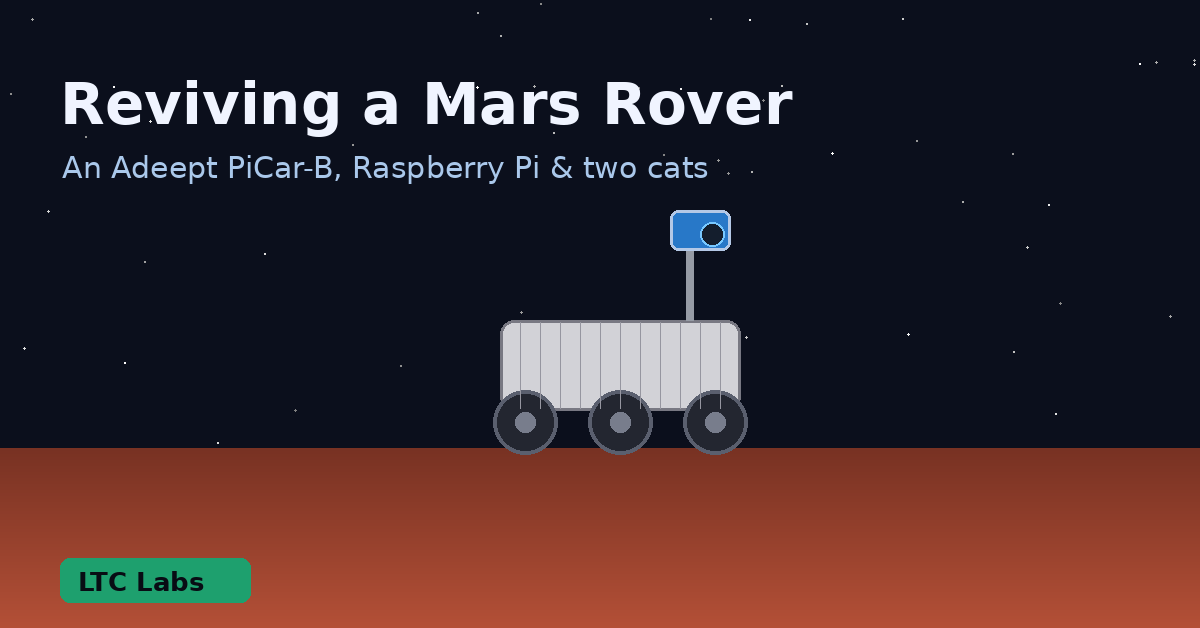
There is a small Adeept PiCar-B Mars rover living on a shelf at home. The long-term plan for it is gloriously impractical: turn it into an on-device AI that recognises and plays with our two cats, Pancho and Nala. Before any of that, the robot had to actually work. This is the story of bringing it back to life, and of the hardware that fought us along the way.
Starting from a clean slate
The kit ships with a pre-built SD card image, but it was old: Bullseye 32-bit from mid-2023, with no ARM64 machine-learning wheels in sight. Since the endgame is computer vision, we reflashed the Raspberry Pi 3B+ with a fresh Raspberry Pi OS Bookworm Lite 64-bit and rebuilt the software stack from scratch on top of it.
The pleasant surprise: the vendor code is mostly Bookworm-friendly already. It leans on picamera2, gpiozero and Adafruit CircuitPython, all of which behave well on the 64-bit OS. The camera is an OV5647, and on Bookworm the old probe command lies about it: vcgencmd reports no camera even when it works. The honest answer comes from rpicam-hello --list-cameras.
A small, safe UI instead of the vendor stack
The vendor web server has an alarming habit: on startup it spins the rear traction motor, with the wheels on the ground, before you have touched anything. For a robot sitting on a desk next to a sleeping cat, that is a non-starter.
So instead of wrestling the vendor stack into submission, we wrote our own. A roughly 150-line Flask UI streams live video and exposes three sliders, one per servo, and a home button. It never addresses the motor channels at all. It is trivial to read, trivial to debug, and it physically cannot make the wheels move. A systemd service keeps it running and brings it back after a reboot.
The case of the dead connector
The robot has a PCA9685 driving its servos over I2C. The first puzzle was a panning servo that simply would not move. Was it the servo, the wiring, or the board?
The deciding move was to read the PCA9685 registers directly. The chip was emitting a perfectly correct PWM signal on its channel. The signal just never reached the connector: output number one on the HAT was electrically dead, almost certainly killed during an earlier incident when the motor spun freely and back-EMF found its way through the shared servo rail. We confirmed it the only way that leaves no doubt: physically moving the servo cable to another connector, where it sprang to life. Lesson logged: keep the wheels in the air during bring-up, and never trust a connector you have not tested.
The version that wasn't
The next trap was quieter. The vendor software addresses the PCA9685 at I2C address 0x5F, the address of the V3.1 HAT. Ours is a V3.0 board at 0x40. Two source files needed that one number changed. A telling detail: right next to the hardcoded 0x5F sat a comment reading default 0x40. The vendor's own author had clearly been bitten by this before.
Calibrating the camera head
A robot that is going to watch cats needs to know exactly where it is looking. The camera sits on a tilt servo with a raw range of 0 to 180 degrees, but those numbers mean nothing until you map them to the real world. So we calibrated it the empirical way: stop the control service to free the I2C bus, sweep the servo across its full travel in fixed steps, and capture a frame at every angle. Matching each angle to what the camera actually saw turned an abstract servo position into a meaningful map of the room.
Clear numbers fell out of that sweep. At 0 degrees the camera stares straight down at the robot's own wheels. At 45 degrees it looks forward and slightly down, the natural resting gaze, so we adopted it as the home position. Around 60 degrees the view is roughly level with the horizon. By 90 degrees it is already pointing at the top of the wall, and anything past 130 degrees just studies the ceiling. Two physical limits frame the rest: the chassis crops the bottom of the image below 0 degrees, and the ceiling above 130 degrees is useless for finding a cat on the floor.
That gave us exactly the offsets to lock in. Instead of letting the servo roam its whole mechanical range, we clamped the useful travel to 0-130 degrees with a 45-degree home, and taught the UI slider to refuse anything outside that window. Limiting the offsets in software is a small change with three real payoffs: the head never strains against a hardstop, it never wastes frames on a blank patch of ceiling, and it always returns to a sensible forward-and-down pose when the robot starts up. The same logic applies to the front steering, which we deliberately fenced to its safe left-turning range until a mechanical bind on the right side is fixed.
Where it stands
Today the rover has a stable, safe control surface: live camera, a calibrated tilt servo, a working steering servo, and a UI that cannot hurt anyone. A few things still resist us, and we are honest about them. The steering has a mechanical bind on one side, so for now it only turns left within its fenced range. The traction motor stays deliberately untouched until we understand exactly what the vendor chain does to enable it. And the panning servo, after its connector ordeal, needs replacing.
None of that blocks the real goal. The next chapter is vision: a lightweight, fully on-device cat detector running on TensorFlow Lite and OpenCV, with no camera frame ever leaving the Raspberry Pi. Privacy is not an afterthought here, it is the design constraint. Pancho prefers a calm afternoon and a Lion King video; Nala is a kitten with the prey drive of a small leopard. Teaching a salvaged Mars rover to tell them apart, and to play accordingly, is exactly the kind of weekend problem we enjoy at LTC Labs.