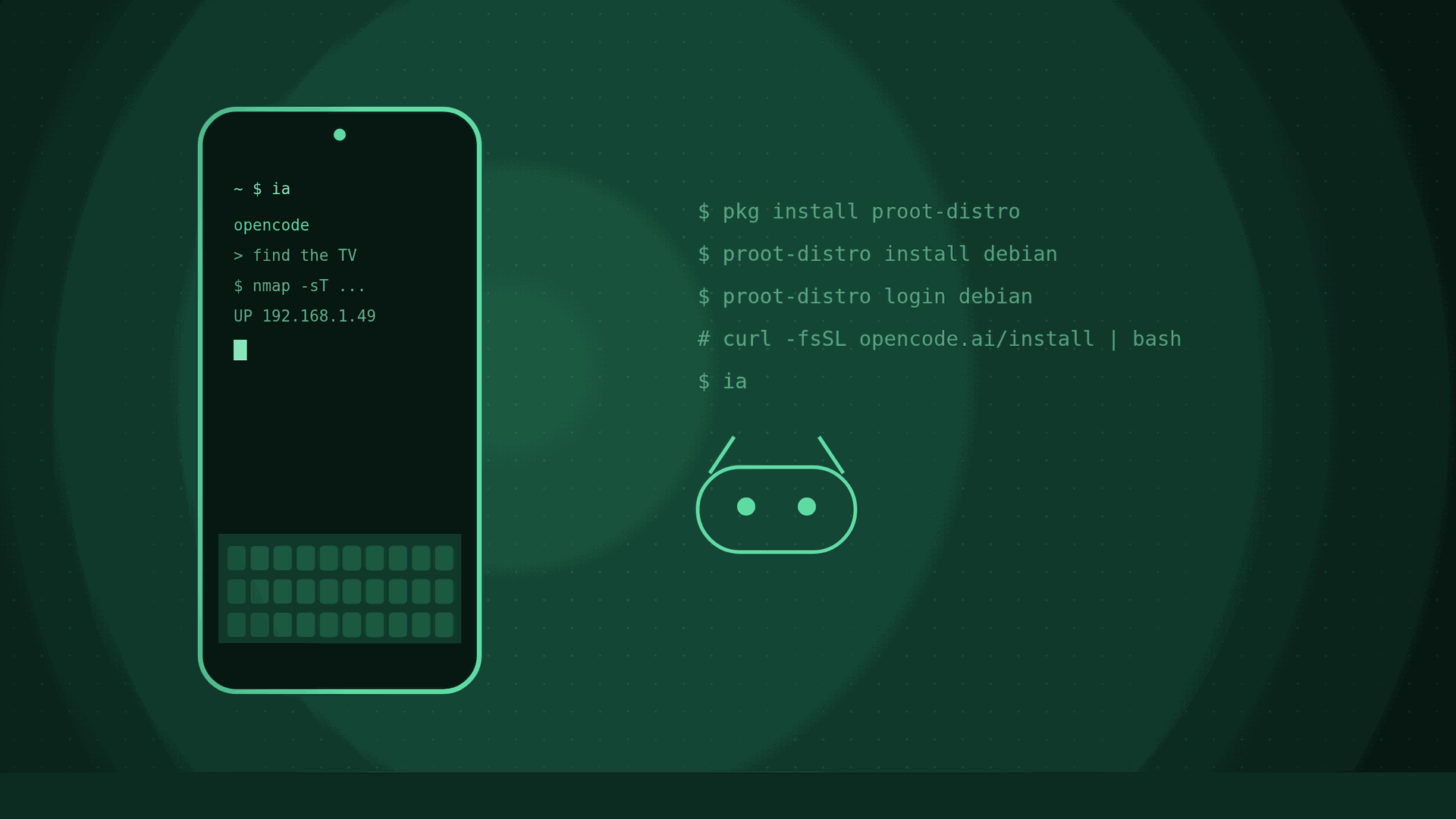
Can I run agentic AI from my Android phone? Yes. No root, no laptop, no paid model.
This is the first of two posts. In this one I explain why it is possible and how we installed opencode, an open source AI coding agent, on a Xiaomi phone running Android 13. In the second one I hand that agent a real problem on my home network and show, screenshot by screenshot, what it did on its own.
What "agentic" means
A chatbot answers. An agent acts. You give it a goal, it decides which tool to use (a shell command, a file edit, a web request), runs it, reads the result and decides the next step. It loops like that until the goal is reached or it runs out of ideas. The model is the brain; the agent is the harness that lets the brain touch a real system.
Why on a phone? Because it is always with you, it has Wi-Fi and mobile data, and when you are at home it sits on the same local network as your TV, your printer and your router. That last point is what Part 2 is about.
Your phone is already a Linux computer
Android is a Linux kernel with its own userland on top: the Bionic C library instead of glibc, the ART runtime that runs the apps, SELinux policies, and a set of system services. Every app lives in its own sandbox, with its own Linux user. On my phone, uname answers Linux 4.14.186 aarch64: a plain 64-bit ARM Linux kernel.
You do not see a shell because Android hides it from the user, not because it is missing. The stack we are going to build looks like this:
hardware (ARM64)
  -> Linux kernel
    -> Android (Bionic, ART, SELinux, system services)
      -> Termux app (terminal + packages, no root)
        -> proot-distro: Debian 13 in user space
          -> opencode (the agent) -> the model (MiMo-V2.6-Flash, free)
There are limits, and they will come back in Part 2: without root there are no raw sockets, much of /proc/net is blocked by SELinux, and an app cannot see inside another app's sandbox.
The pieces
- Termux is a terminal emulator with its own package manager (
pkg, built on apt) and thousands of packages compiled for Android. No root needed. Ours came from Google Play (buildgoogleplay.2026.10.09); the F-Droid and GitHub builds work as well. - proot intercepts system calls with ptrace to fake a
chrootand a root user without real privileges. proot-distro (5.3.0 here) downloads and manages full distributions on top of it: Debian, Ubuntu, Arch and others. - Why Debian and not plain Termux? The opencode installer and many tools expect glibc and standard Linux paths, not Bionic. Inside Debian 13 everything behaves like a normal server.
- opencode is an open source AI coding agent for the terminal. It ships two main agents, Build (can run commands and edit files) and Plan (read-only), keeps every session in a local SQLite database and talks to many model providers.
- OpenCode Zen is opencode's own provider. It offers some
*-freemodels; we useopencode/mimo-v2.6-flash-free. Free means free with a quota, as we will see.
What you need
- An arm64 Android phone. Ours: Xiaomi 21091116UG, Android 13.
- About 2 GB of free storage. Measured on our phone: the Debian container takes 915 MB and the whole Termux prefix 1.6 GB.
- A free OpenCode account.
- Patience with the on-screen keyboard. Termux adds a row of extra keys (ESC, CTRL, ALT, TAB, arrows) that you will see in every screenshot.
Installation, step by step
1. Install Termux and update it. Open the app and refresh the package lists:
pkg update && pkg upgrade2. Install proot-distro and tmux. tmux keeps a long session alive when you switch apps, which matters because Android likes to kill background processes.
pkg install proot-distro tmux3. Install Debian and log in. The first command downloads a minimal Debian root filesystem; the second one drops you into it as a (fake) root user.
proot-distro install debian
proot-distro login debian

# check it
cat /etc/debian_version     # 13.7 on our phone
whoami                      # root (proot's fake root)
4. Install the basic tools inside Debian. opencode itself only needs curl to install, but nmap and python3 are what the agent will reach for in Part 2.
apt update && apt install -y curl ca-certificates nmap python35. Install opencode with the official installer. It drops the binary in /root/.opencode/bin/opencode.
curl -fsSL https://opencode.ai/install | bash
/root/.opencode/bin/opencode --version     # 1.19.4 on our phone
6. Log in to your OpenCode account. This step is not optional, even for the free models (more on that below).
/root/.opencode/bin/opencode auth login7. Pick the default model and a working folder. The configuration lives in /root/.config/opencode/opencode.json:
{
  "$schema": "https://opencode.ai/config.json",
  "model": "opencode/mimo-v2.6-flash-free"
}
mkdir -p /root/proyectos8. Create a shortcut. Back in Termux (type exit to leave Debian), add this alias to ~/.bashrc. From now on, opening Termux and typing ia takes you straight into the agent.
alias ia='proot-distro login debian -- bash -c "export PATH=/root/bin:\$PATH; cd /root/proyectos && exec /root/.opencode/bin/opencode"'9. First test. Ask for something harmless, such as "which operating system do you see and how much memory do you have?". Watch it propose a command, run it and read the output before it answers.
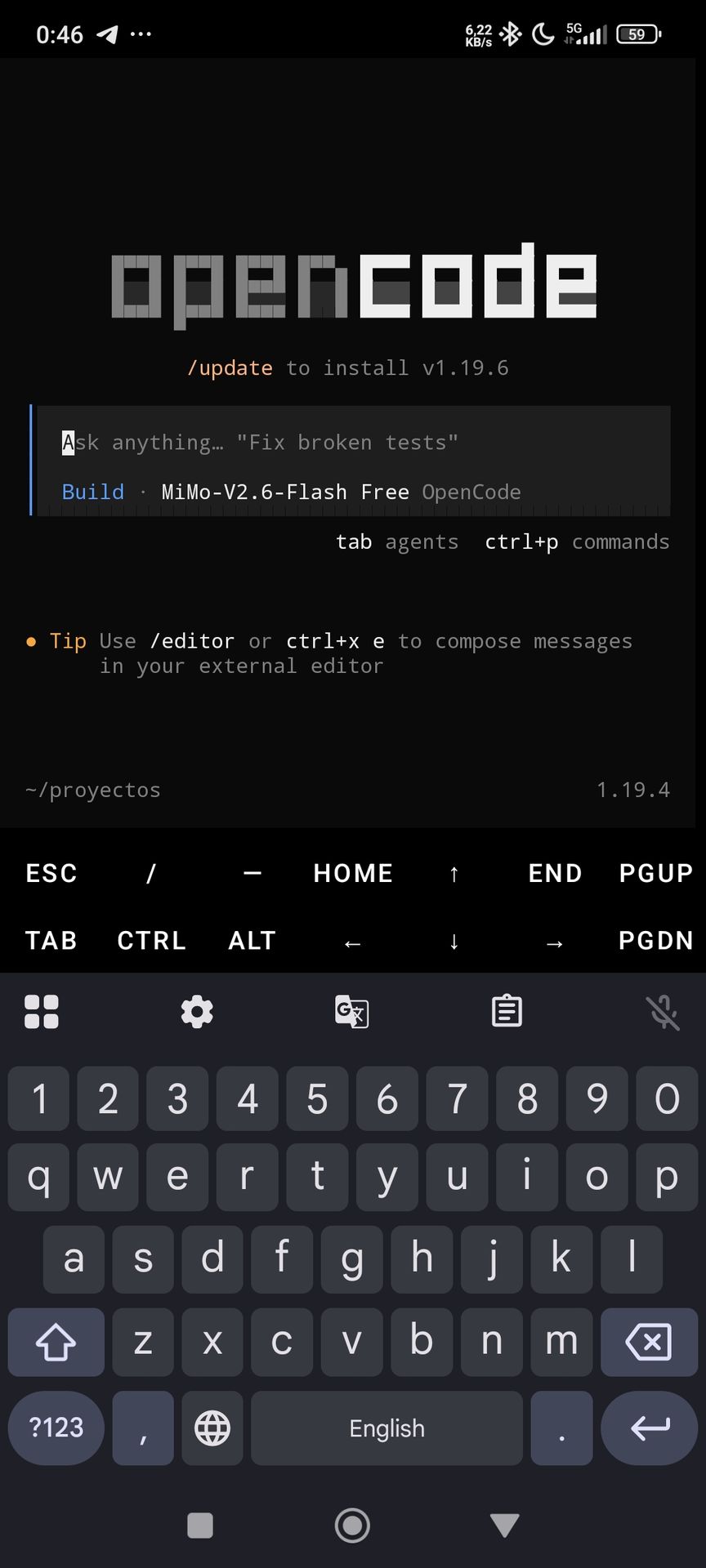
A confession: we did most of this installation without touching the phone. Claude, another agent running on our home server, typed every command through a USB cable. How that works is explained at the start of Part 2.
The problems we actually hit
- "Free usage limit reached" on the very first message. Without an account, Zen refuses anonymous access to the free models, even from an IP address that works fine from an authenticated laptop. Logging in (step 6) fixed it. We first copied the credentials from another machine; do not do that, use
opencode auth login. - The free quota drains fast in long sessions. Every turn re-sends the whole conversation. On another machine, a 259-message session had consumed almost 2 million input tokens plus 22 million read from cache. One task, one session; start a new one with
/new. - Android kills Termux in the background. MIUI battery saving is aggressive. Exclude Termux from battery optimisation, run long jobs inside tmux and use
termux-wake-lockwhile they run. - Commands that "do not exist". Inside proot,
ipis not installed and/proc/net/routeanswers "Permission denied". That is not a broken install, it is the Android sandbox. In Part 2 you will see the agent bump into exactly this and find a way around it.
Day-to-day use
- Plan or Build. TAB switches between agents. Plan is read-only and is the right choice to explore; Build runs commands and edits files.
- Permanent rules. An
AGENTS.mdfile in/root/.config/opencode/is read in every session. Ours has 34 lines: what the agent may touch, which hosts exist and when it must ask before acting. - Sessions are stored. Everything lives in
/root/.local/share/opencode/opencode.db. You can resume a session, and in Part 2 we read one from outside the phone. - Updates. opencode announces new versions on its start screen;
/updateinstalls them.
Security before you start
- The agent runs with Termux's permissions. It can read everything Termux can read, including shared storage if you ran
termux-setup-storage. - Everything on your Wi-Fi is within its reach. That is exactly what Part 2 shows.
- Read each command before approving it in Build mode, and do not store production keys on a phone without a plan to revoke them if you lose it.
Uninstalling
One command removes the whole Debian container. Then delete the alias from ~/.bashrc and close the session from your OpenCode account.
proot-distro remove debianNext: putting it to work
You now have an agent in your pocket. In Part 2 I asked it to find a Xiaomi TV on my home network and check why it claimed to have no free space. In 22 minutes, with a free model and no root, it mapped the network and identified the TV by its fingerprint. And then the TV asked for permission.